Professional Broadcasting
Courses in Australia
Six specialist programmes designed by industry professionals to take you from beginner to broadcast-ready. All courses include studio access and hands-on equipment time.
Multicamera Production
Learn to direct and coordinate multicamera live productions from pre-production planning through to transmission. You will operate director's talkback systems, call shots, and manage camera operators using industry-standard techniques.
What you'll learn:
- Shot sequencing and camera blocking
- Director's talkback communication
- Rundown and script preparation
- Live production coordination
Video Switching
Master professional hardware and software video switchers including Blackmagic ATEM, Ross Carbonite, and software solutions. Practice live transitions, effects, and downstream keying in our fully equipped control rooms.
What you'll learn:
- Hardware switcher operation (ATEM, Ross)
- Transitions, effects, and keys
- Graphics and CG playout integration
- Troubleshooting under live conditions
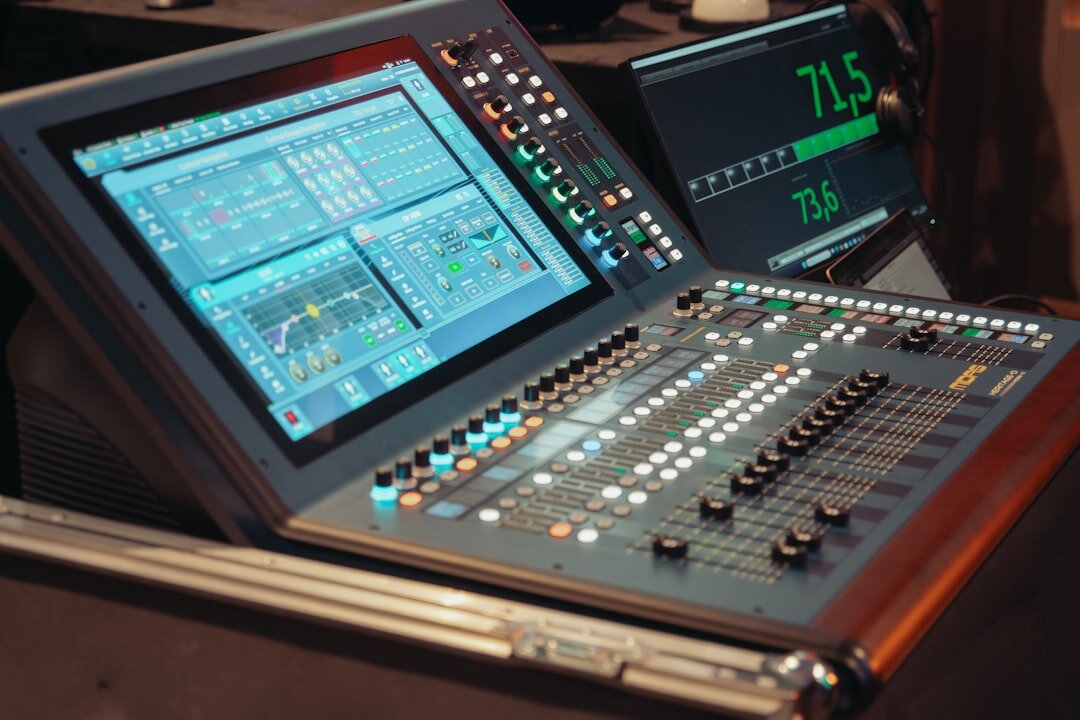
Teleprompter Operation
Become proficient in teleprompter hardware setup, software configuration, and real-time operator skills. Work alongside news presenters and presenters in a live studio environment to develop smooth scrolling technique.
What you'll learn:
- Hardware setup and lens alignment
- PrompterPeople and QPrompt software
- Speed and rhythm matching
- Script mark-up and cue sheets
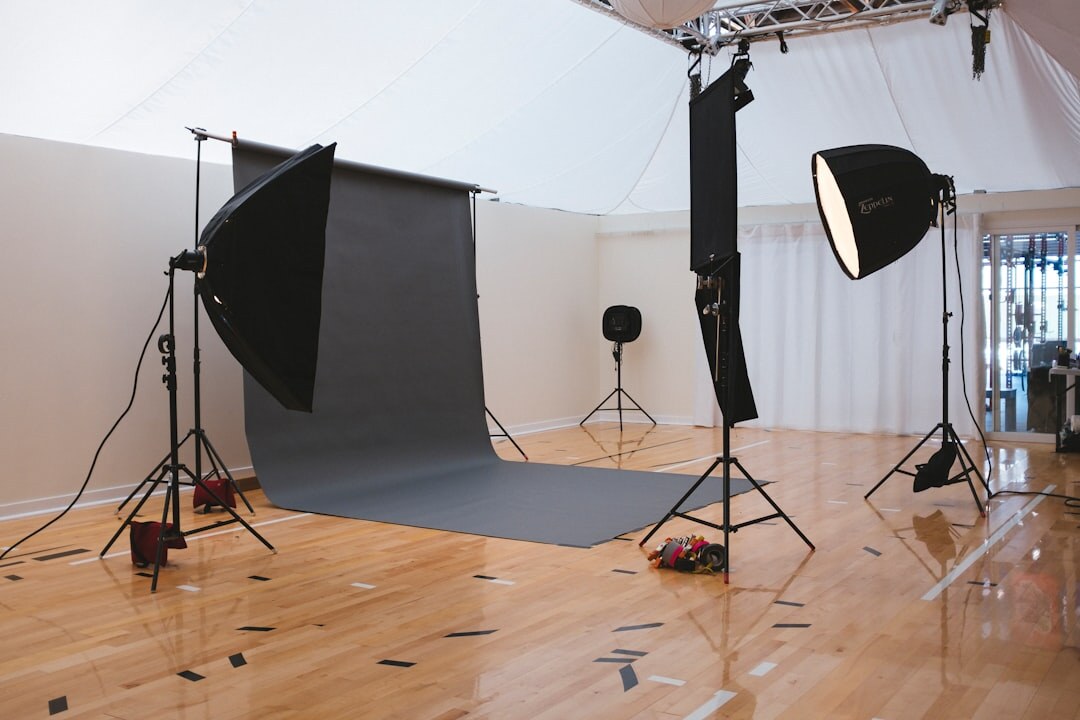
Studio Lighting
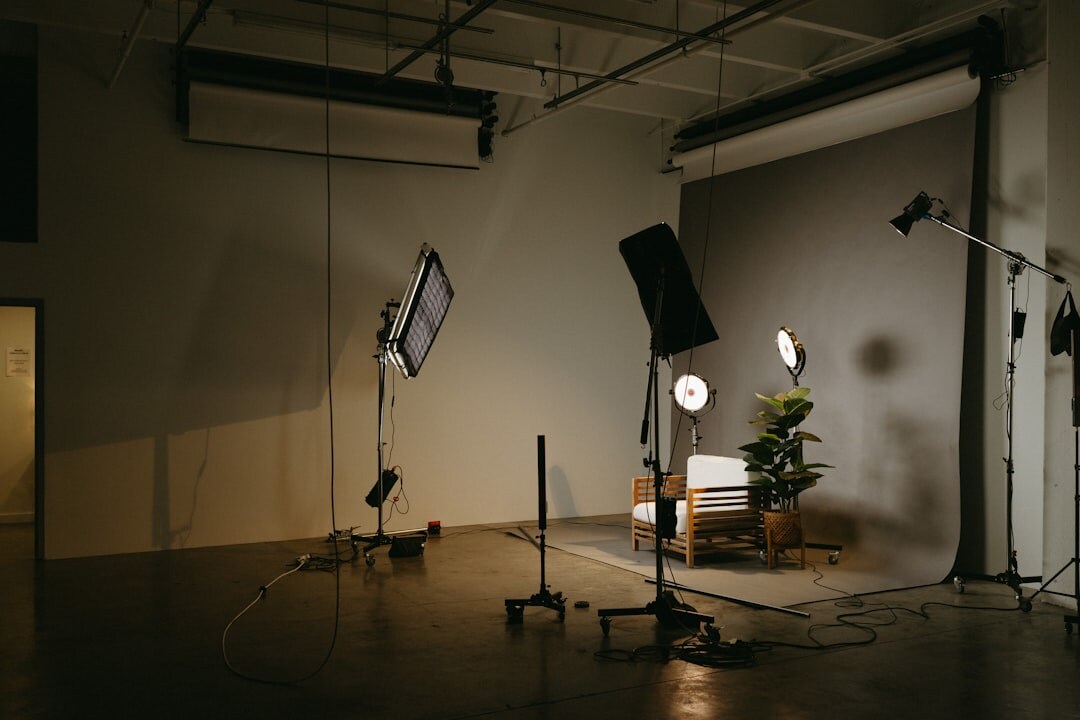
Design and rig broadcast-quality studio lighting setups from scratch. Learn three-point lighting, colour temperature management, LED fixture programming, and how to match camera exposure to lighting conditions.
What you'll learn:
- Three-point and multi-subject lighting
- LED and DMX fixture control
- Colour temperature and white balance
- Green screen and chroma key setups
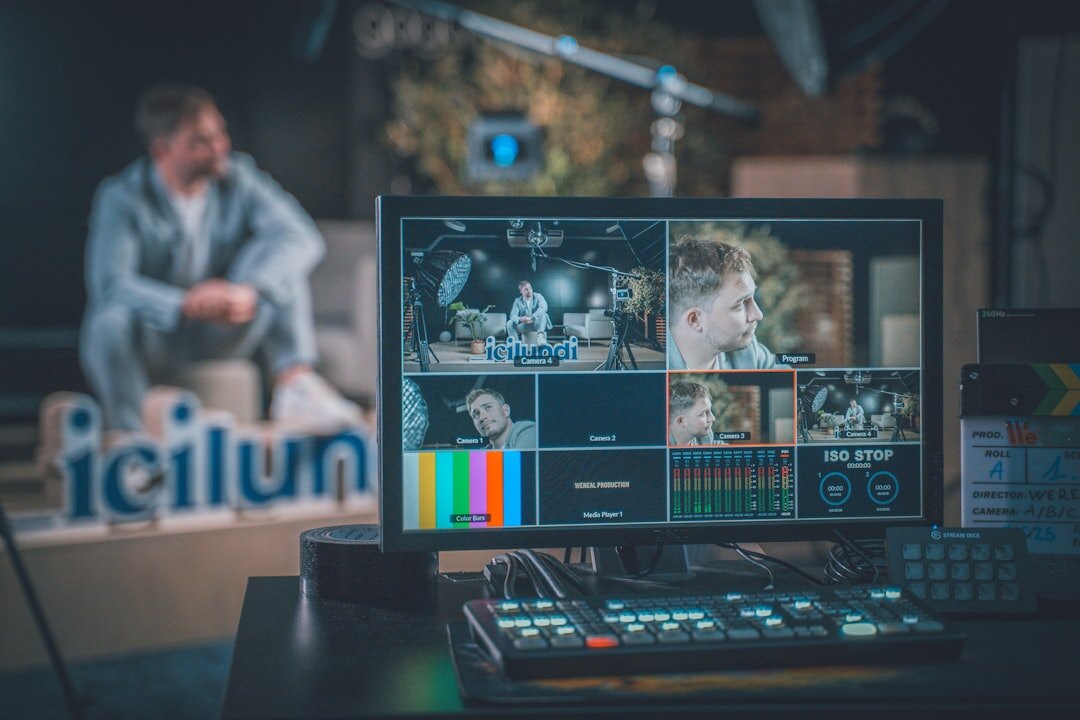
Audio Mixing
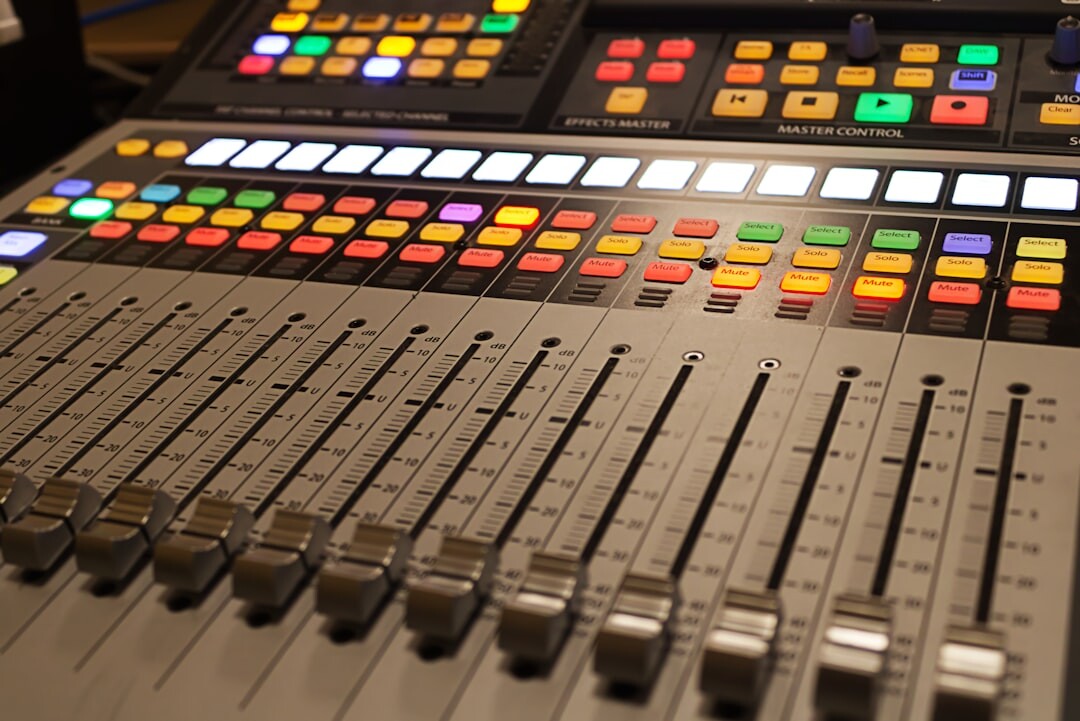
Operate professional audio consoles and live sound systems for broadcast and streaming. Topics include microphone techniques, IFB systems, mix-minus routing, and delivering broadcast-spec audio to transmission.
What you'll learn:
- Broadcast audio console operation
- Microphone placement and selection
- IFB and talkback systems
- Mix-minus and confidence monitoring
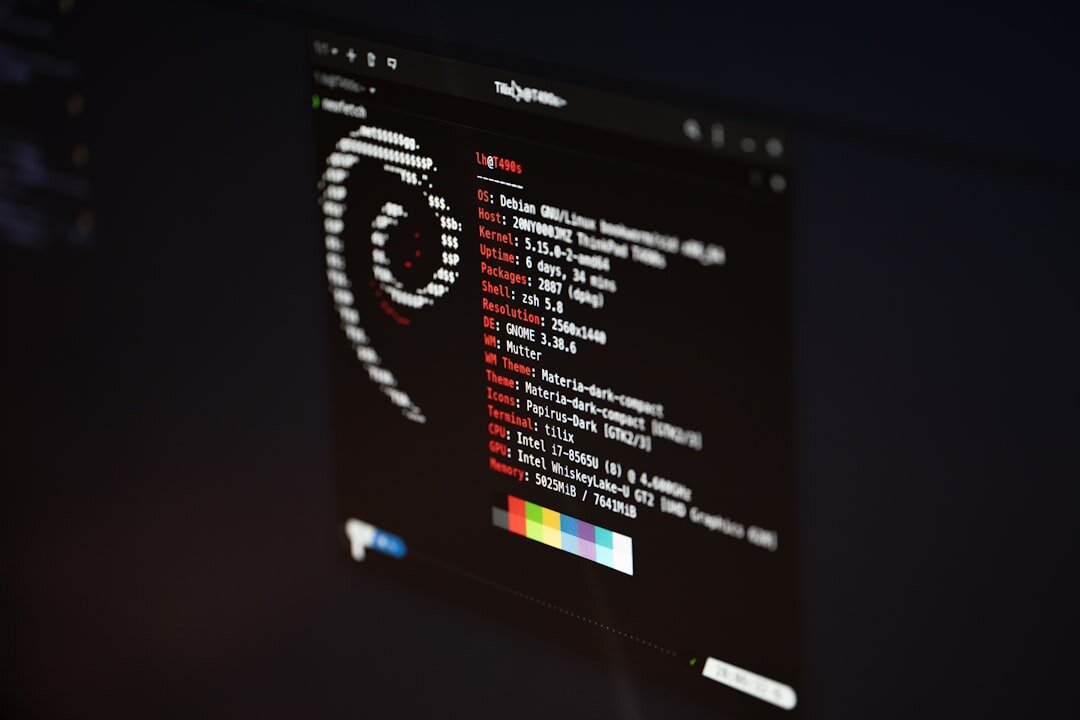
Streaming Software
Configure and operate OBS Studio, vMix, and cloud-based streaming platforms. Learn scene management, encoder settings, graphics overlays, and platform-specific requirements for YouTube, Facebook, and custom RTMP destinations.
What you'll learn:
- OBS Studio and vMix workflows
- Encoder and bitrate configuration
- Scene management and overlays
- Multi-platform streaming strategies
Enrol in the full Professional Programme
Get all 6 courses, priority studio access, and career placement support in one complete package — at our best available rate.
Contact Us for Full Programme